
Introduction
In the rapidly evolving world of mobile technology, Android users in the USA are increasingly looking for more options beyond the limitations of the Google Play Store. Enter the Mobilism App, a third-party Android platform that offers users access to a vast library of apps, games, and eBooks, many of which are premium, paid, or geographically restricted elsewhere. Unlike mainstream app stores, Mobilism is free to use and boasts a thriving community-driven ecosystem that shares not only cracked applications but also feedback, updates, and support.
Though convenient, the Mobilism app operates in a legal and ethical gray zone. While users are drawn by the prospect of accessing high-cost apps and exclusive content for free, this comes with significant risks including potential exposure to malware, data theft, and software that violates intellectual property laws. For users in the United States, this raises important questions about digital safety, legality, and fairness to developers whose work is being redistributed without consent.
This article is a comprehensive guide to the Mobilism app for 2025. We’ll discuss its features, how it works, its legal and cybersecurity implications, and safer or more ethical alternatives. Whether you’re a tech-savvy Android user curious about Mobilism or someone seeking more control over your app ecosystem, this in-depth review is designed to give you all the facts so you can make informed choices.
What is the Mobilism app?
Mobilism app is a third-party Android application that acts as a free digital marketplace offering hacked or cracked versions of paid apps, games, and eBooks. It began as a web-based forum but has evolved into a full-fledged Android platform attracting a global user base particularly in tech-savvy US communities.
This app bypasses traditional licensing methods used by Google Play or developers, making premium content available without payment.
Short Overview
| Feature | Mobilism App | Google Play Store |
| Availability | Android APK only | Pre-installed on Android devices |
| Pricing | Mostly free (cracked versions) | Free & Paid |
| Legal Status | Questionable (gray area) | Fully legal & regulated |
| App Integrity | Community-reviewed | Play Protect verification |
Note: Mobilism app is not available on official stores due to the nature of its content.
Key Features That Set Mobilism app Apart
Mobilism offers significant flexibility. Unlike traditional stores, it doesn’t enforce stringent licensing or content guidelines, allowing users to download apps that are restricted or paid elsewhere.
Core Highlights
- Free Access to Paid Content: Including many popular Android games and premium productivity apps.
- User Forums & Reviews: Crowdsourced content feedback and troubleshooting guidance.
- Large eBook Repository: Including popular and academic titles removed or unavailable in official stores.
- Fewer Restrictions: No geoblocking or mandatory app updates.
That said, while these features cater to user convenience, they come at the cost of legal clarity and possible exposure to risk.
Legal and Ethical Considerations
The question many ask is simple: “Is Mobilism app legal?”
The answer is not as straightforward.
Legal Context in the USA
- Copyright Infringement: Downloading cracked apps or pirated eBooks directly violates U.S. Copyright Law (DMCA).
- Fair Use Defense: Unlikely. Bypassing DRM or repackaging paid apps is not covered under fair-use provisions.
- Developer Rights: Using unauthorized versions undermines the monetization rights of developers.
Though users aren’t generally prosecuted, developers and corporations can take action, making use of such platforms legally risky.
Is Mobilism App Safe to Use?
Security risks are among the biggest downsides of using unofficial app stores like Mobilism.
Common Risks
- Malware and Ransomware: Commonly embedded in cracked APKs.
- Backdoors & Spyware: Exploit user data, browsing activity, and personal files.
- Automatic App Hijacking: Some APKs activate permissions without consent.
- No Developer Support: Apps won’t receive official updates or patches.
Cybersecurity Data
| Platform Type | Infection Rate (per 1,000 users) |
| Google Play Store | 1–2 |
| Sideloaded APKs | 8–15 |
| Mobilism (community est.) | 10–20 |
Pro Tip: Always sandbox test APKs using tools like VirusTotal before installation.
User Interface and Experience (UX) Analysis
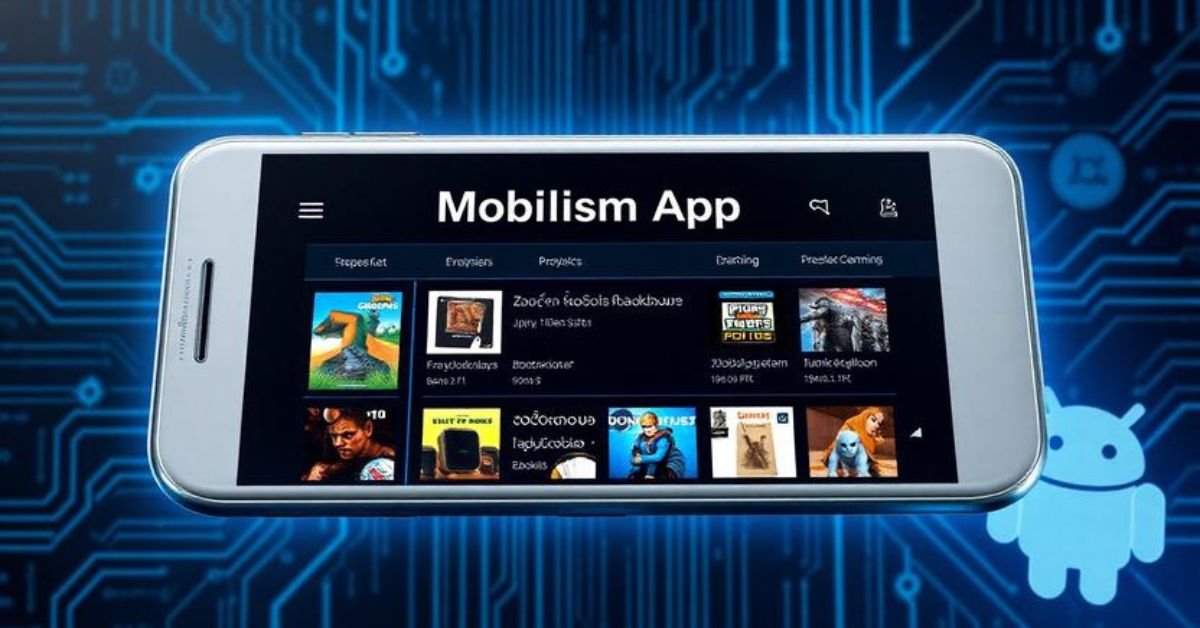
Mobilism’s interface mirrors early 2010s Android app designs cluttered for some, but functional for regular users.
UX Pros
- Forum-Like Navigation: Powered by user discussions and ratings.
- Search Depth: Detailed queries are possible (version, format, uploader ID).
- Batch Downloads: Some torrents/bundles available.
UX Cons
- Intrusive Ads: As the primary monetization source, ad blockers are recommended.
- Not Optimized for All Devices: Inconsistent UI scaling.
- Manual Dependency Management: Frustrating for novice users.
UI improvements may still be limited due to its underground origin and restrictions on monetization through legitimate channels.
Comparison: Mobilism vs. Google Play Store
Let’s break it down side-by-side for clarity.
| Feature | Mobilism App | Google Play Store |
| App Selection | Huge (including banned/cracked apps) | Massive, all legal & filtered |
| Update Support | Manual | Auto Updates |
| Legal Protection | None | Full Developer Compliance |
| Security & Safety | Community Verified Only | Google Play Protect |
| Monetization | Ads only | Ads + Legit Developer Support |
| eBook Availability | Yes (including DRM-free & pirated) | Licensed content only |
How to Download and Install Mobilism app on Android
Since Mobilism is not available on the Play Store, installation requires sideloading.
Steps
- Turn on Unidentified Sources: “Allow from Unknown Sources” can be toggled under Settings → Security.
- Download the APK: APKMirror forums.
- Install APK: Ensure to review permissions manually.
- Run and register: Registration is mandatory to post or comment.
- Keep Updated: Download newer versions manually, as updates aren’t automatic.
Always check community forums for verified, malware-free versions.
Best Alternatives to Mobilism
Due to security and legal concerns, it’s wise to consider safer and equally feature-rich alternatives.
Top Picks
| Alternative | Type | Features | Legal? |
| Aptoide | Open-source Store | Paid & Free apps, community-reviewed | ✅ |
| F-Droid | FOSS Catalog | 100% Open-source apps, highly secure | ✅ |
| Aurora Store | Play Store Client | Anonymous, privacy-first access to Google APIs | ✅ |
| APKPure | Third-party APKs | Region-locked apps, older versions | ⚠️ |
| TapTap | Gaming Platform | Focused on mobile gaming, legit distribution | ✅ |
Expert Tips for Protecting Your Device from Risky APKs
If you’re using platforms like it anyway, cybersecurity is a must.
Best Practices
- Always scan APKs with VirusTotal before installation.
- Use apps like NetGuard or NoRoot Firewall to limit permissions.
- Install an up-to-date mobile antivirus (BitDefender, Kaspersky Mobile).
- Use sandboxed environments or virtual phones for risky installs.
- Never give root access to apps from unknown sources.
Should You Use it?
Our Verdict
It isn’t just a source for cracked apps, it’s a reflection of demand for open access, fewer restrictions, and community-driven app ecosystems. But it walks the fine line between convenience and compromise.
Use it if
- You are tech-savvy, legally informed, and you understand cybersecurity basics.
Avoid it if
- You need guaranteed safety, developer accountability, or legal compliance.
FAQs
Is it illegal in the USA?
It operates in a legal gray area. Using cracked content violates U.S. copyright laws.
Does it contain malware?
Some APKs may include hidden malware. Always scan before installing.
Can I install it on iOS?
No. it is Android-only and not compatible with any Apple platform.
Is using the Mobilism app safe?
It can be risky without strong cybersecurity precautions and responsible behavior.
How often does it remain updated?
There’s no clear schedule versions that are updated by community moderators.
Conclusion
The Mobilism App has carved out a unique space in the Android ecosystem by offering access to paid apps, games, and eBooks at no cost. For users in the USA and around the world who value freedom, customization, and access to otherwise unavailable digital content, it presents a tempting alternative to the official Google Play Store. Its community-driven model, vast library, and flexible platform provide a level of openness that’s hard to find in the tightly controlled environments of mainstream app stores.
However, this freedom comes with serious trade-offs. From potential legal consequences due to copyright infringement to exposure to malware and privacy risks, using it requires a clear understanding of both its advantages and its dangers. Especially in 2025, as cybersecurity threats become more sophisticated and digital regulations tighten, users must be cautious and well-informed. Ethical concerns also play a role especially when developers lose compensation and control over how their content is distributed.
Ultimately, whether or not you choose to use the Mobilism app is a personal decision. But if you do, it’s crucial to take the right precautions: verify app integrity, use security tools, and stay aware of legal guidelines. Alternatively, consider safer and more ethical platforms like F-Droid, Aurora Store, or Aptoide that respect both user freedom and developer rights.